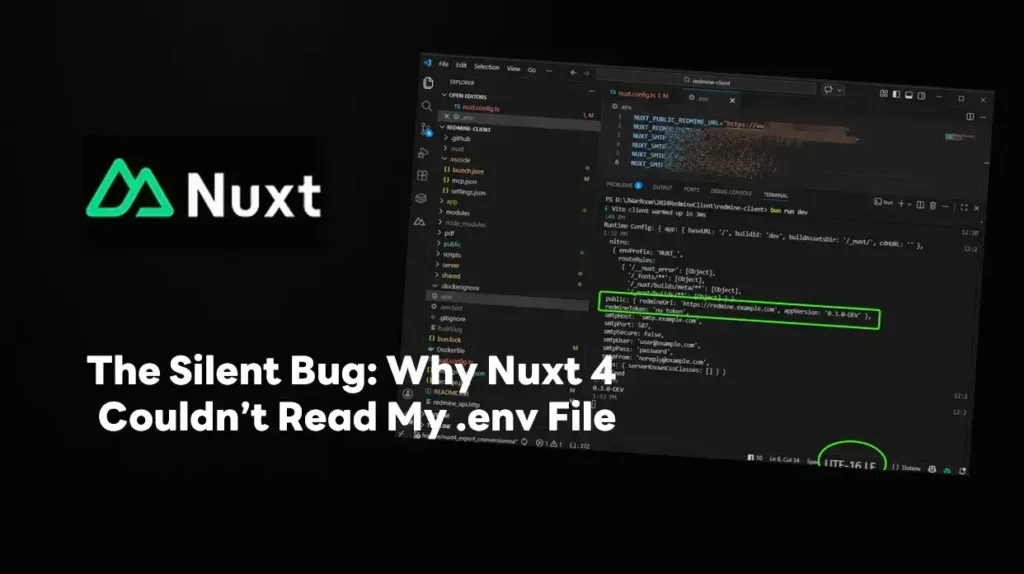

I recently ran into a strange issue while migrating to Nuxt 4. It turns out my .env files weren't being detected at all. I’ve been dealing with some family matters lately (my mother was hospitalized), so I only just managed to sit down and debug this.
The Issue
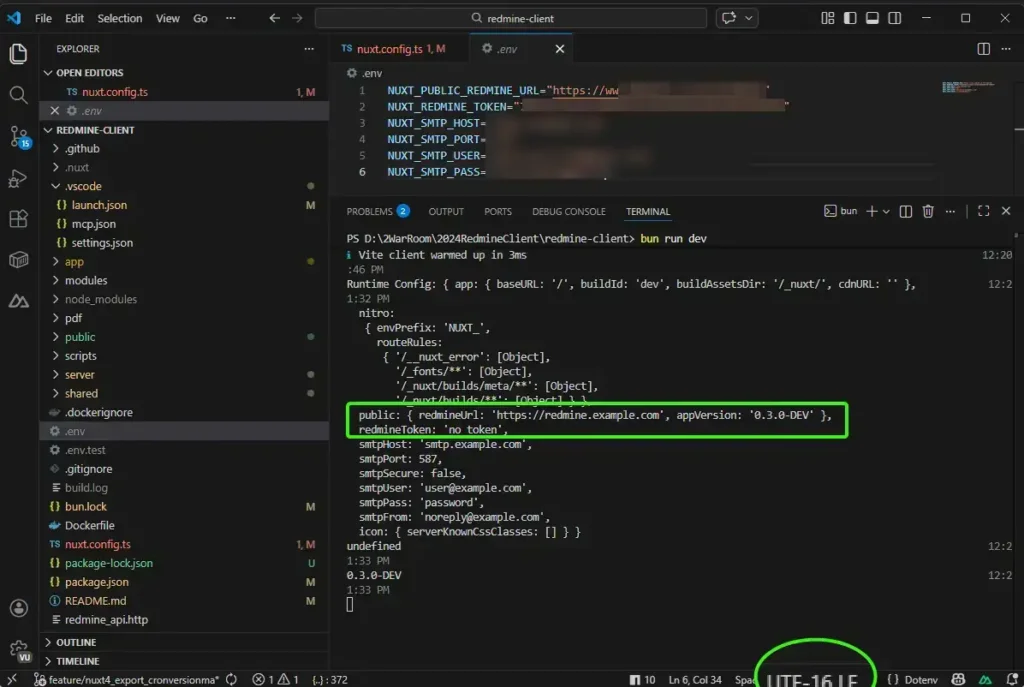
For some reason, my .env file encoding had switched from UTF-8 to UTF-16 LE / UTF-16. (I think i can be from AI Agent that call powershell command to complete some task. Since I keep my .env in .gitignore, it wasn't immediately obvious what had changed in the file properties.
How to Fixed
If you're facing this, here’s how to fix it in VS Code:
- Open your
.envfile. - Look at the Status Bar (bottom right). If it says
UTF-16, click on it. - Select "Save with Encoding".
- Choose UTF-8.
After saving, I re-ran the app and Gotcha! the variables were correctly injected into runtimeConfig
Reference
Discover more from naiwaen@DebuggingSoft
Subscribe to get the latest posts sent to your email.