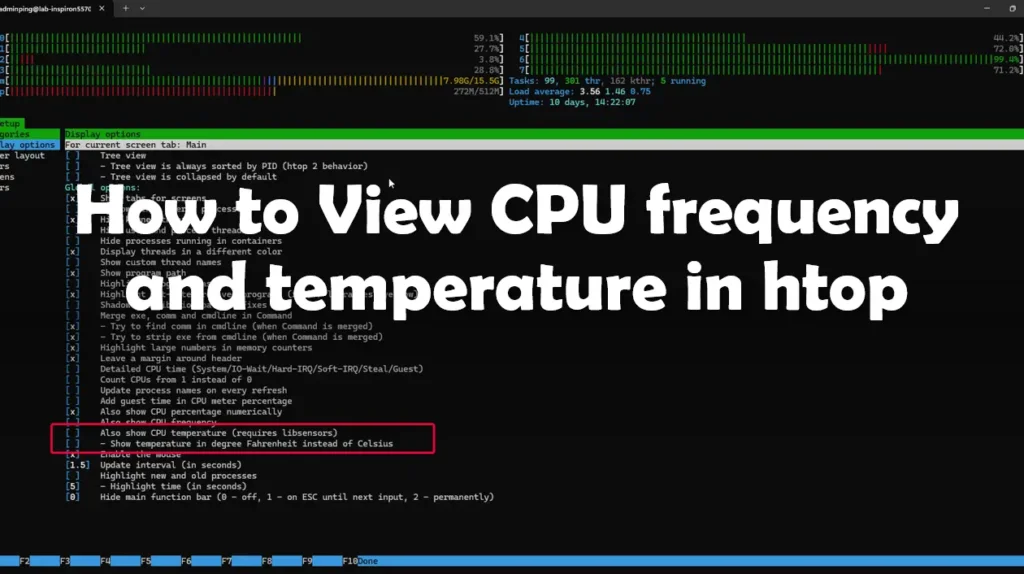

I want to monitor CPU frequency with htop, but I want to view temperature too, so I need to find the step and note it in my blog ^__^
Table of Contents
Install lm-sensors
🫙 Commands
sudo apt install lm-sensors
Configure htop
🖥️ Launch htop in your terminal.
🖥️ Press F2 to enter the Setup menu.
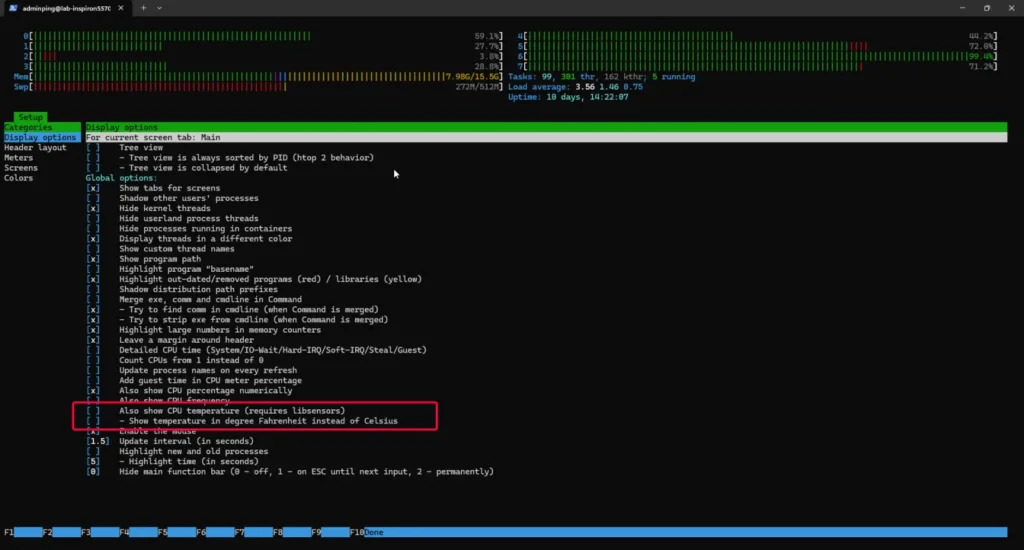
🌡️ Navigate to "Display options".
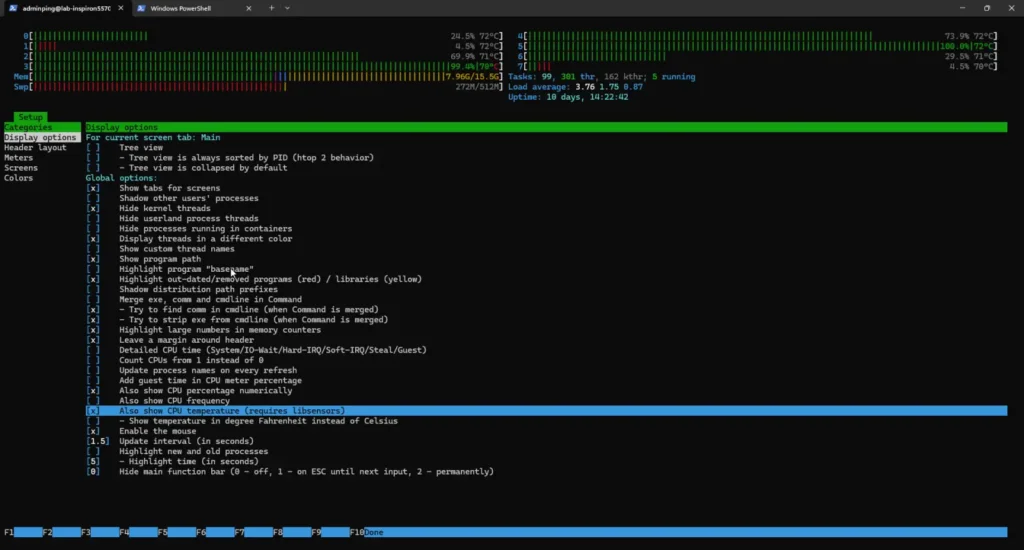
- Select the "Also show CPU temperature (requires libsensors)" option and ensure it is checked.
- Optionally, if you prefer Fahrenheit over Celsius, you can also check "Show temperature in degrees Fahrenheit instead of Celsius".
🌡️ Press F10 or select "Done" to save the changes and exit the setup.
Reference
Discover more from naiwaen@DebuggingSoft
Subscribe to get the latest posts sent to your email.