Skip to content
No results
  • About Me (Resume)
  • Meetup Note/Share
  • เงินทอง งอกเงย
naiwaen@DebuggingSoft วงแหวนเว็บ
  • About Me (Resume)
  • Meetup Note/Share
  • เงินทอง งอกเงย
naiwaen@DebuggingSoft วงแหวนเว็บ

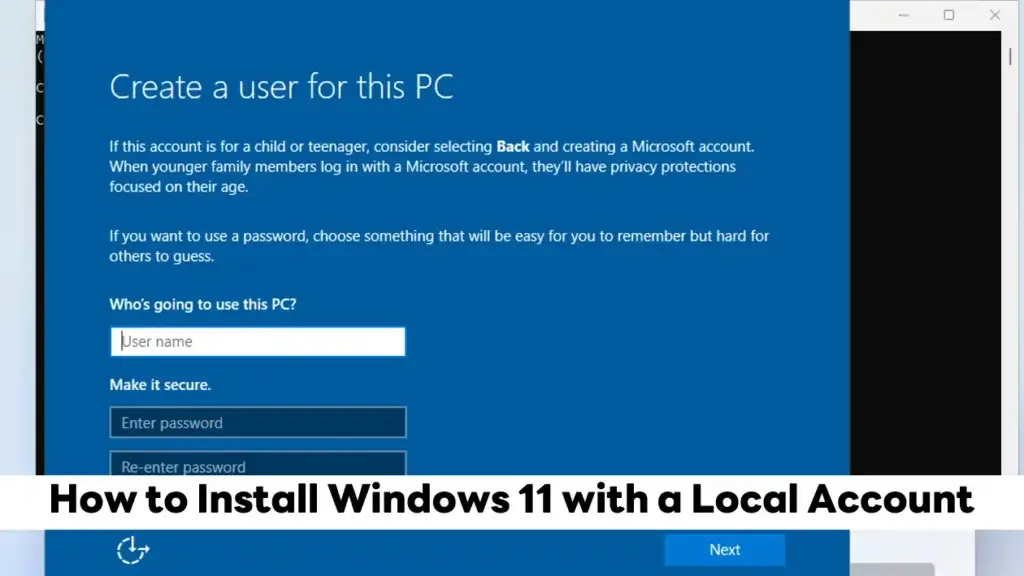
How to Install Windows 11 with a Local Account

  • AdminpingAdminping
  • October 21, 2025
  • IT Knowledge
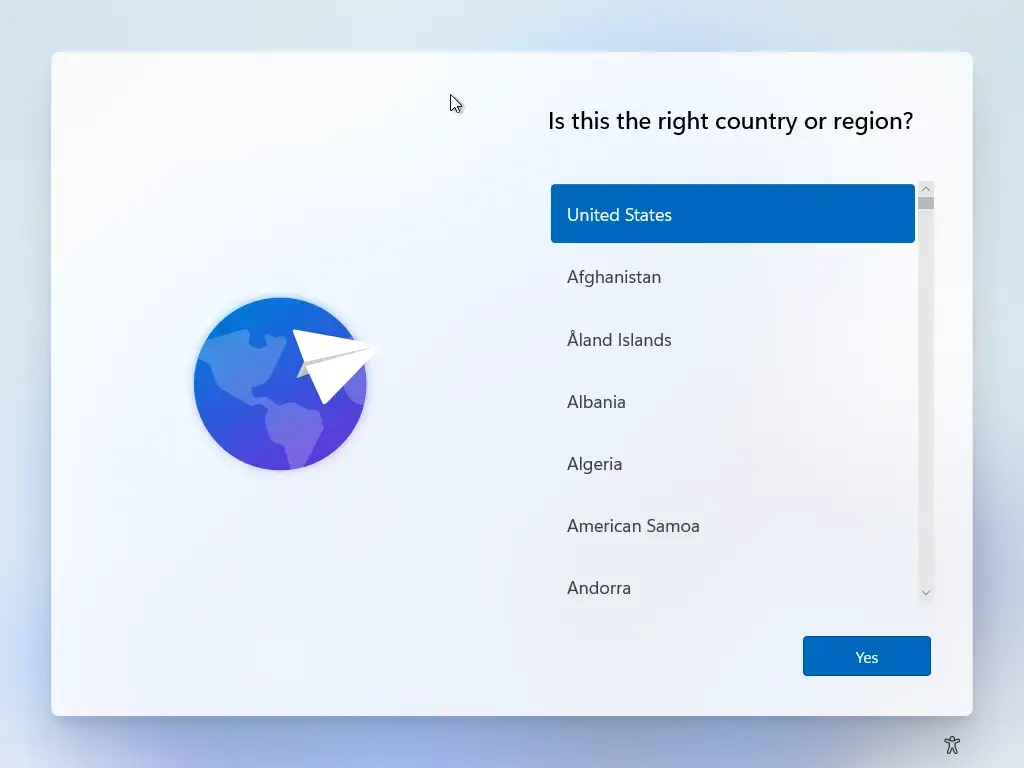
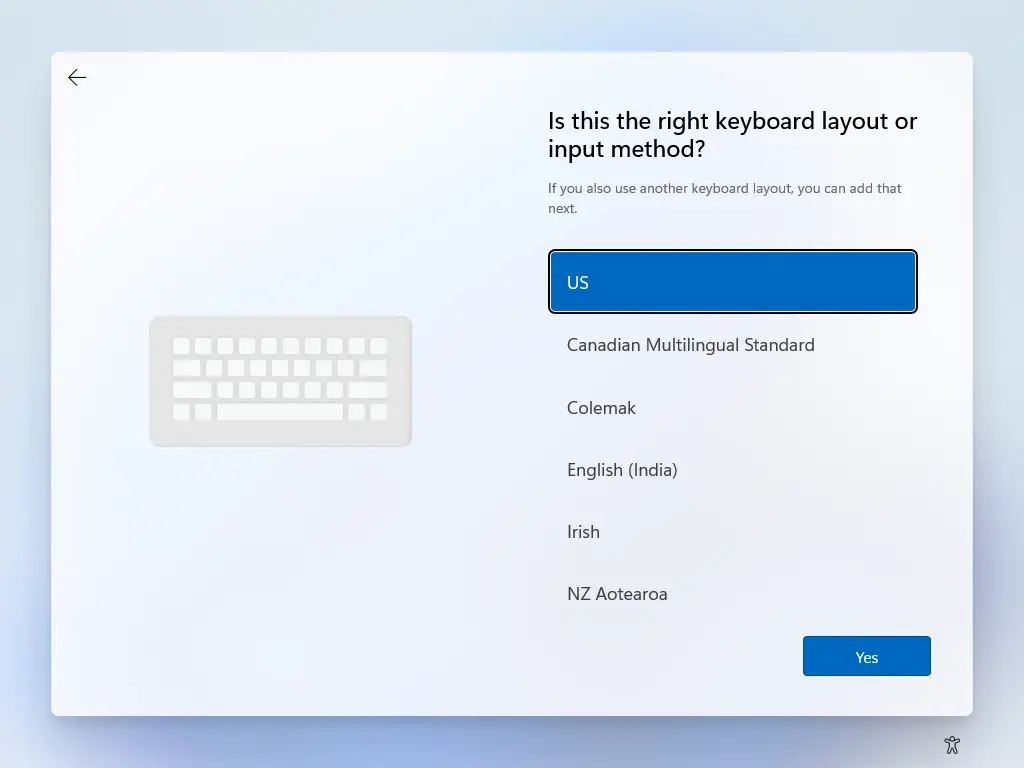
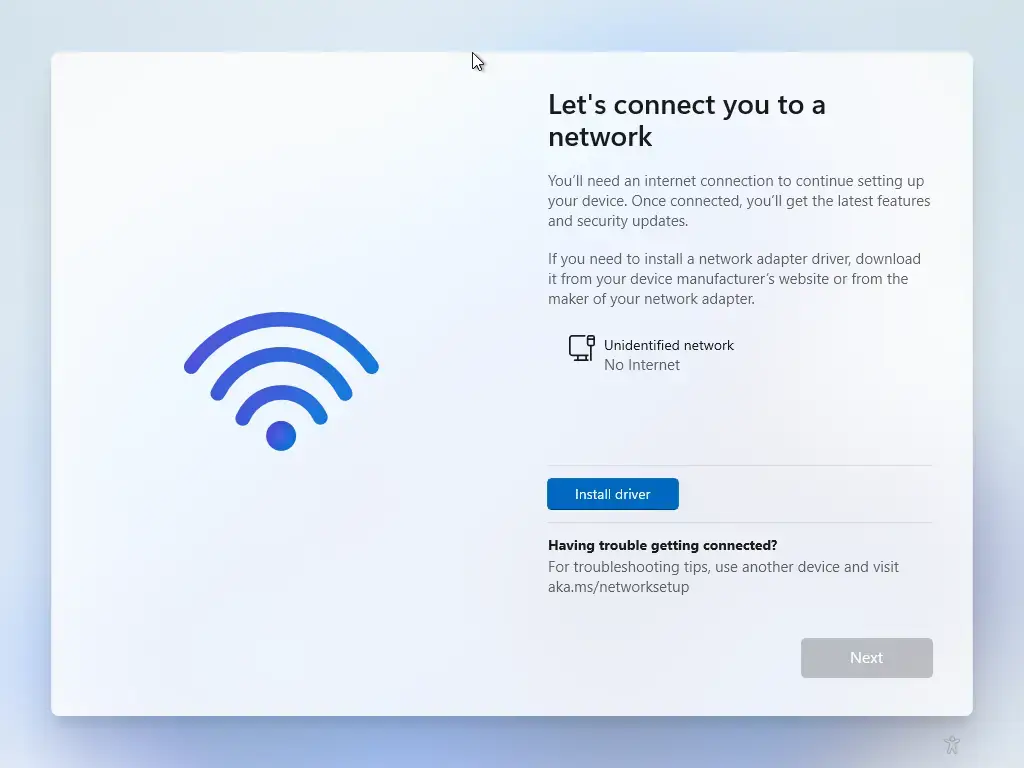
  • First, Disable Internet Access
  • Setup Windows 11 when you setup Location > Keyboard Layout
  • Network Step - Disable Internet Access
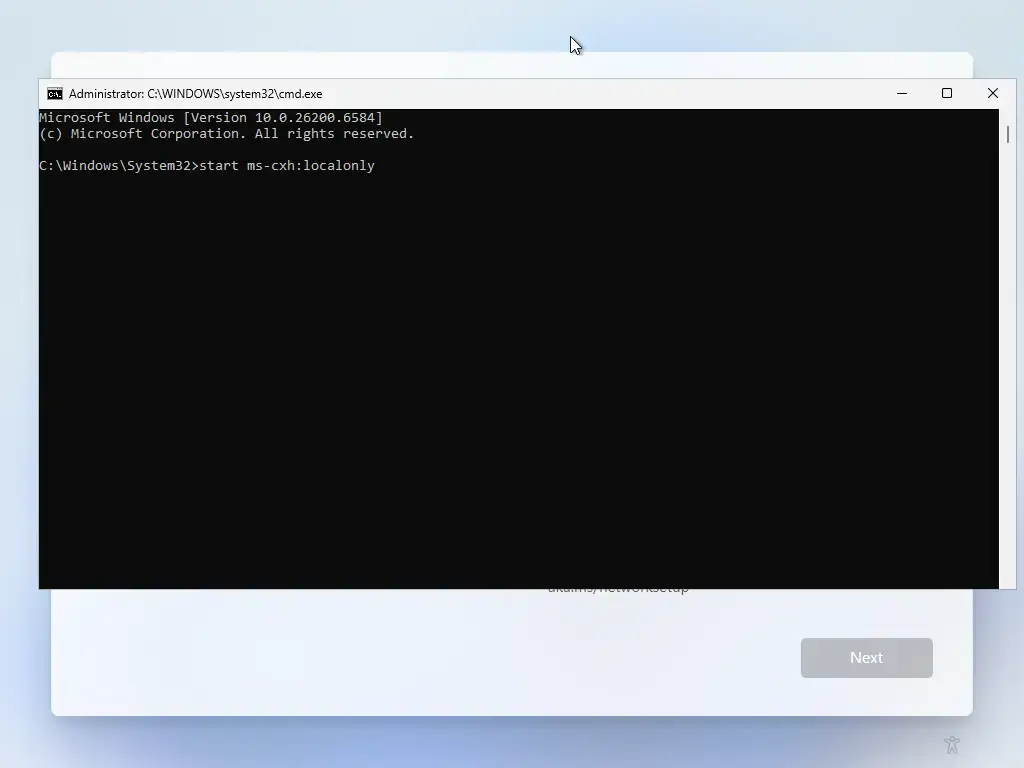
  • Press Shift + F10 or Shift + Fn + F10 for some laptop and type command
start ms-cxh:localonly
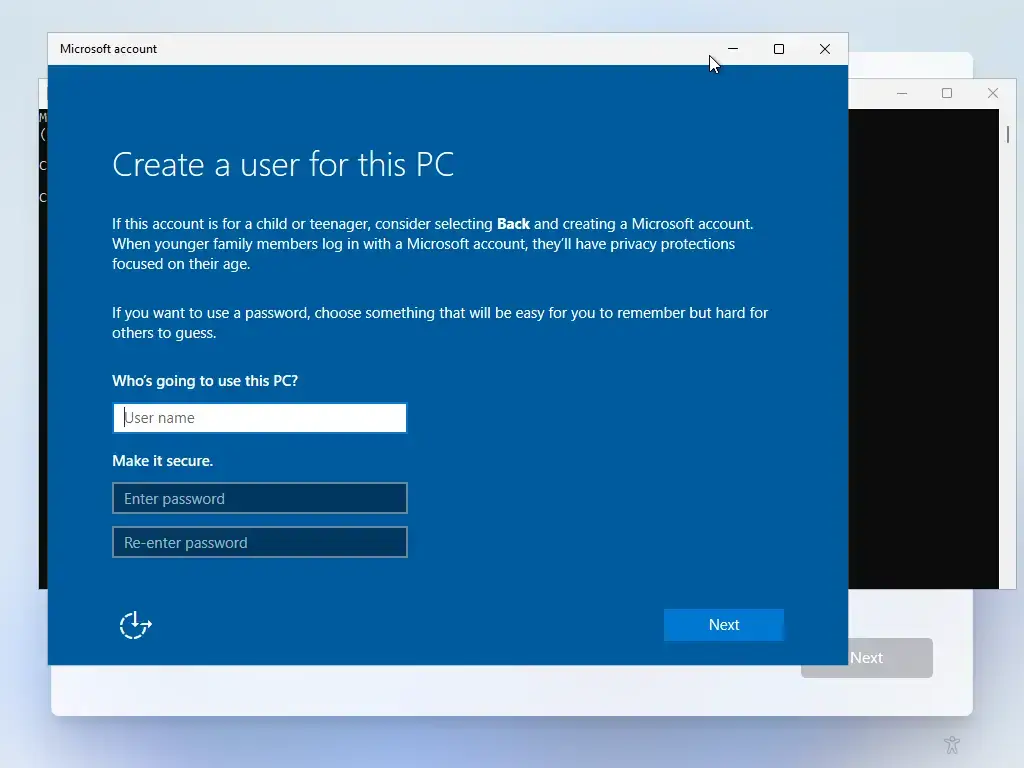
  • The command will immediately open a dialog for a local account. Fill in your username and password.

enjoy , freedom

Share this:

  • Tweet
  • Email a link to a friend (Opens in new window) Email
  • Print (Opens in new window) Print
  • Share on Telegram (Opens in new window) Telegram
  • Share on WhatsApp (Opens in new window) WhatsApp

Like this:

Like Loading...

Related


Discover more from naiwaen@DebuggingSoft

Subscribe to get the latest posts sent to your email.

Tags
# Local Account# start ms-cxh:localonly# Windows# Windows 11

About me

Adminping

Adminping

My name is Chatri Ngambenchawong and I am a Software Developer, Blogger, Geek and FoodMania ^__^

View Full Profile →

Donate (ร่วมสนับสนุน)

Facebook Page

Facebook Page

Categories

Archives

Pages

  • About Me (Resume)
  • Meetup Note/Share
  • นโยบายการใช้คุกกี้ (Cookies Policy)
  • นโยบายความเป็นส่วนตัวของข้อมูล (Privacy Policy)
  • เงินทอง งอกเงย

Recent Posts

  • bun run build – Error null is not an object (evaluating ‘currentRenderingInstance.ce’)
  • [CR] Starbuck Mangosteen with Butterfly Pea Juice
  • ถ้าได้เข้าไปดูระบบนี้ใหม่ จะเริ่มยังไง
  • LLM Architecture Dense vs MoE ต่างกันยังไง ?
  • [CR] Starbucks Éclair Green Tea

Meta

  • Log in
  • Entries feed
  • Comments feed
  • WordPress.org

Related Posts

Line ขึ้นขอบคุณที่ส่งข้อความถึงเรา

  • January 2, 2026

Installing Samsung Notes for PC/Laptop (As of JULY 2025)

  • July 1, 2025

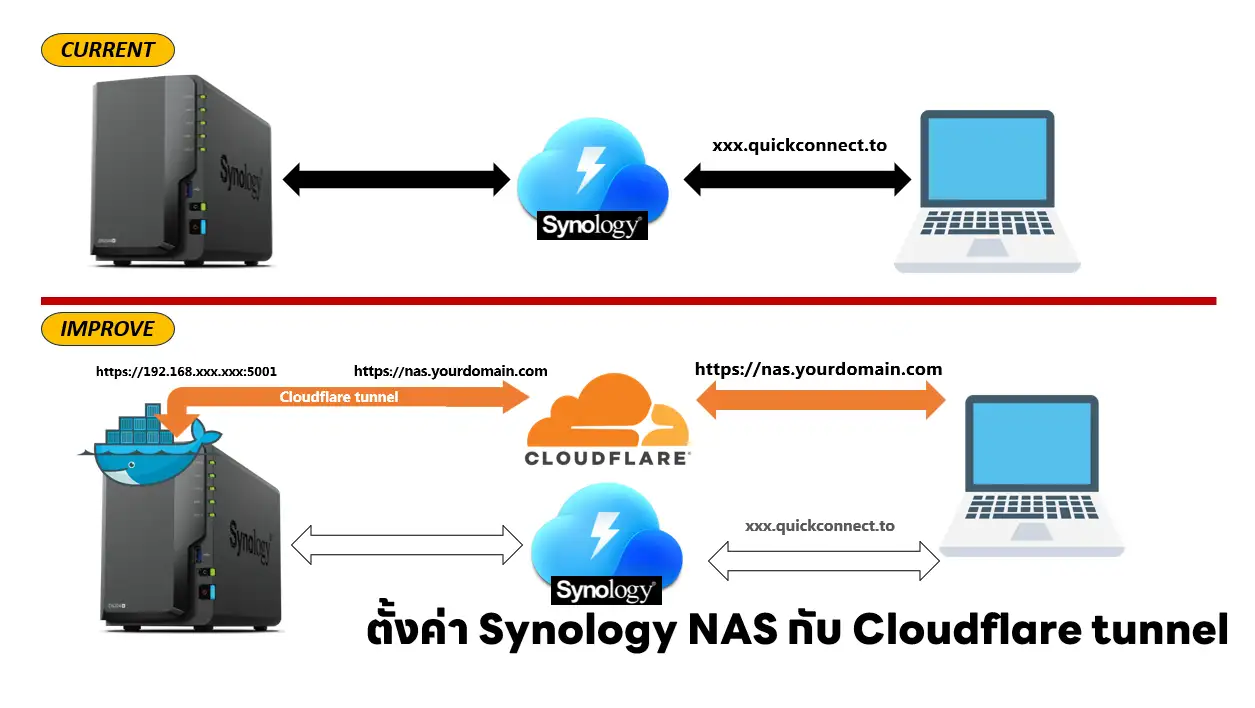
ตั้งค่า Synology NAS กับ Cloudflare tunnel

  • April 8, 2025

ถ้าสนใจ Blog สรุปต่างๆ ลองมา Subscribe กันได้ครับ เดี๋ยวจะมีเมล์จาก [email protected] มาให้กด Confirm อีกทีครับ

  • About Me (Resume)
  • นโยบายการใช้คุกกี้ (Cookies Policy)
Copyright © 2026 - WordPress Theme by CreativeThemes
Manage Cookie Consent
To provide the best experiences, we use technologies like cookies to store and/or access device information. Consenting to these technologies will allow us to process data such as browsing behavior or unique IDs on this site. Not consenting or withdrawing consent, may adversely affect certain features and functions.
Functional Always active
The technical storage or access is strictly necessary for the legitimate purpose of enabling the use of a specific service explicitly requested by the subscriber or user, or for the sole purpose of carrying out the transmission of a communication over an electronic communications network.
Preferences
The technical storage or access is necessary for the legitimate purpose of storing preferences that are not requested by the subscriber or user.
Statistics
The technical storage or access that is used exclusively for statistical purposes. The technical storage or access that is used exclusively for anonymous statistical purposes. Without a subpoena, voluntary compliance on the part of your Internet Service Provider, or additional records from a third party, information stored or retrieved for this purpose alone cannot usually be used to identify you.
Marketing
The technical storage or access is required to create user profiles to send advertising, or to track the user on a website or across several websites for similar marketing purposes.

  • Manage options
  • Manage services
  • Manage {vendor_count} vendors
  • Read more about these purposes
View preferences
  • {title}
  • {title}
  • {title}
%d