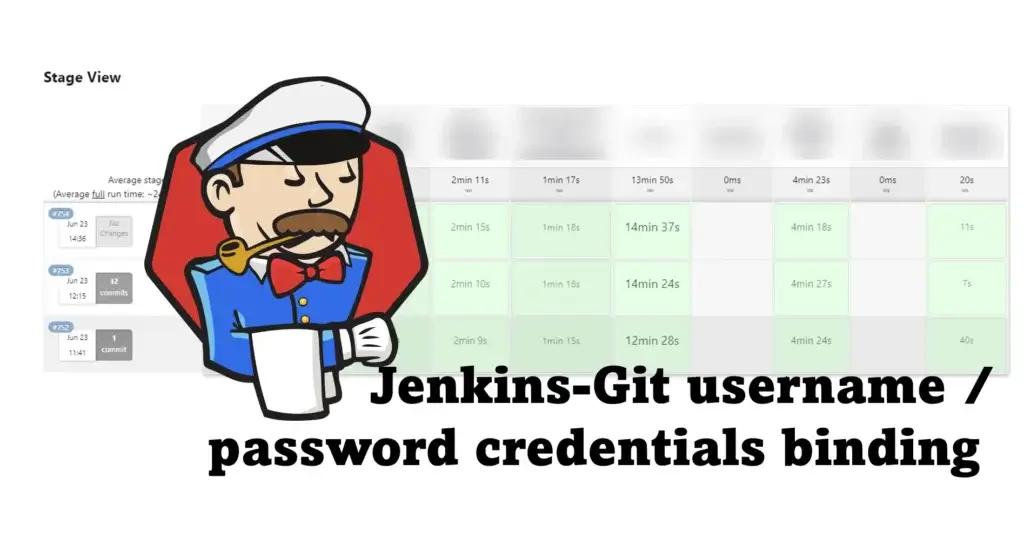

สำหรับ Blog ถ้าใช้ Jenkins แล้วอยาก Binding Git โดยใช้ username / password อยู่ใน pipeline มีวิธีการตามนี้ครับ
withCredentials([gitUsernamePassword(credentialsId: 'git-jenkins', gitToolName: 'Default')]) {
	def commitServiceId = sh(script: """
		git ls-remote origin | grep "\$(echo "${params.BRANCH_ON_GIT}" | sed 's|origin/||')" | awk '{print \$1}'
		""", returnStdout: true).trim()

	COMMIT_SERVICE_ID = commitServiceId
	echo "Commit Service ID: ${COMMIT_SERVICE_ID}"
}
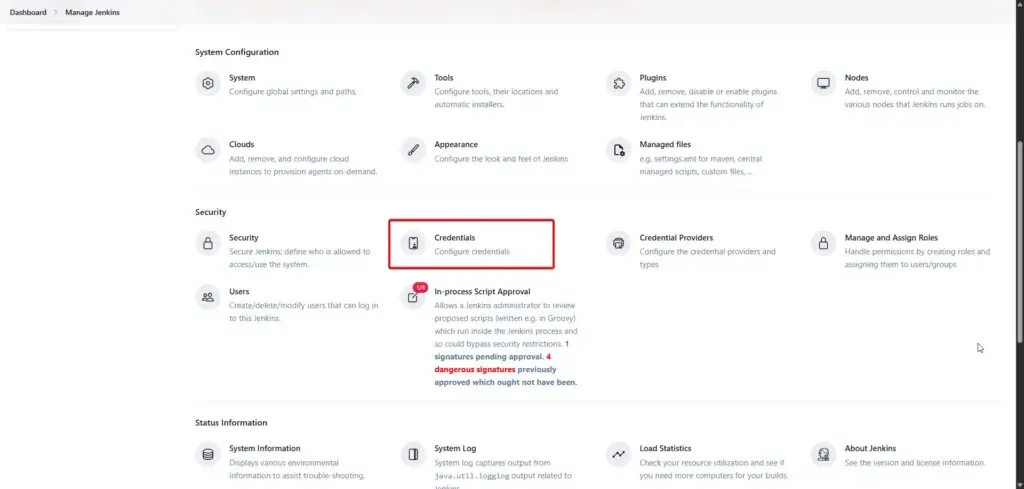
- git-jenkins - กำหนดได้จากหน้าจอ credentials ของ git Dashboard > Manage Jenkins > Credential (อยู่ส่วนของ Security) และเอาชื่อมาครับ
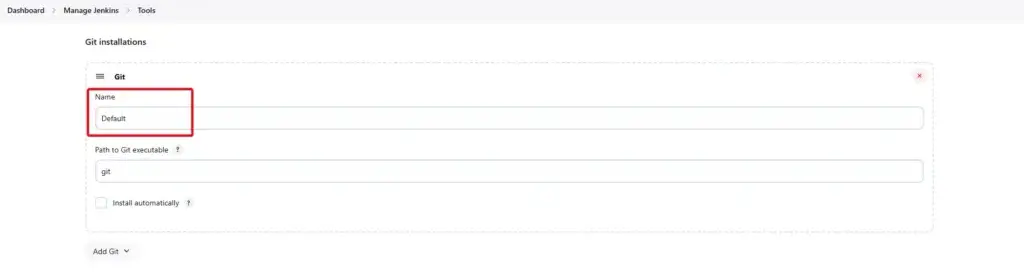
- gitToolName - มาจาก Dashboard > Manage Jenkins > Tools ส่วนของ Git Installation และเอาชื่อมาครับ
ถ้าใช้ตัวอย่าง PowerShell / Shell ผมมี recap ตัวอย่างให้ลองนำไปปรับใช้กันครับ
- Shell
withCredentials([gitUsernamePassword(credentialsId: 'my-credentials-id',
                 gitToolName: 'git-tool')]) {
  sh 'git fetch --all'
}
- Bash
withCredentials([gitUsernamePassword(credentialsId: 'my-credentials-id',
                 gitToolName: 'git-tool')]) {
  bat 'git submodule update --init --recursive'
}
- PowerShell
withCredentials([gitUsernamePassword(credentialsId: 'my-credentials-id',
                 gitToolName: 'git-tool')]) {
  powershell 'git push'
}
สุดท้ายสำหรับวิธีการนี้ แนะนำให้ใช้กับ Git ที่ยังต่อ username / password อยู่นะครับ ถ้าเป็นตัวใหม่ๆใช้ AccessToken / PAT หรือ การแลก Key จะ Secure กว่าคร้บ
Reference
Discover more from naiwaen@DebuggingSoft
Subscribe to get the latest posts sent to your email.